Programming the AT89C2051 with SDCC on Linux
Contents
The AT89C2051 is a small Atmel microcontroller from the 8051 family in a 20-pin package: 2 KB of flash, 128 bytes of RAM, 15 I/O lines, two timers and a UART. On Linux you can program it in C with the free SDCC compiler and write it with a TL866 programmer and the minipro tool.
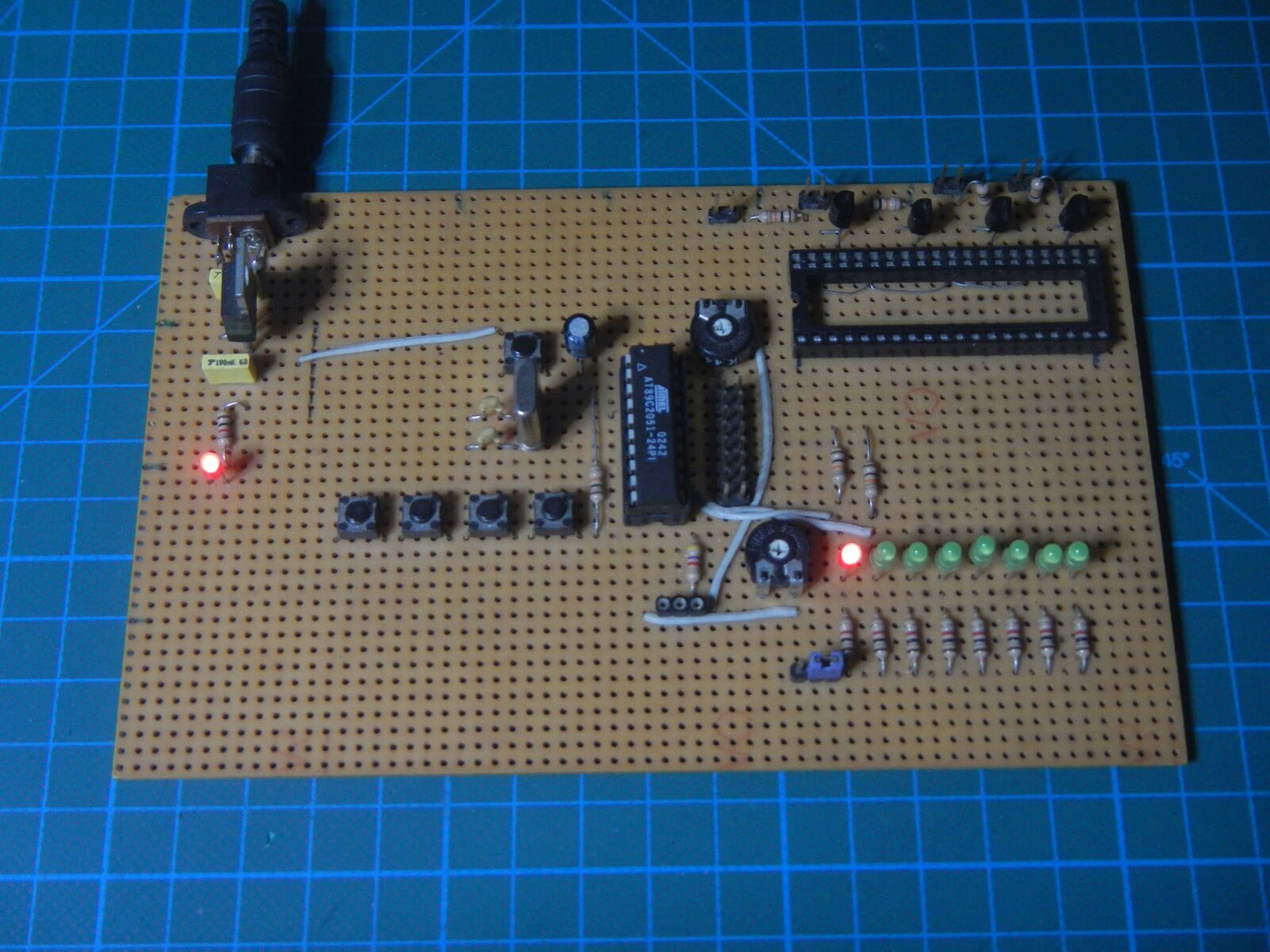
Updated version
This is an updated version of a tutorial from September 2021. The steps were tested with SDCC 4.5 on Debian 13, and the blink timing was measured in the ucsim simulator. That showed the delay in the original example was about 3.6 times too short, so the example has been fixed.
What you need
- an AT89C2051 on a board with a 12 MHz crystal and an LED with a resistor between +5 V and pin P1.0,
- a TL866A/CS or TL866II+ universal programmer,
- Debian or a Debian-based distribution.
Installing SDCC
SDCC is in the Debian repository:
sudo apt install sdcc sdcc-ucsim
The sdcc-ucsim package provides a simulator. It is optional, but useful for checking a program without hardware. Check the installation:
sdcc --version
Installing the programmer software
Writing the program to the chip needs minipro. The steps are in the MiniPRO TL866 Programmer on Debian Linux tutorial.
The program: blinking an LED
The program turns the LED on pin P1.0 on and off every second. The 1 ms delay uses hardware timer 0, so it does not depend on the compiler version or optimisations.
Save it as main.c:
// ********************************************************
// Program:     Blink LED example
// Author:      Elvis Baketa
// Processor:   AT89C2051
// Oscillator:  12 MHz
// Compiler:    SDCC (Linux)
// ********************************************************

#include <at89x051.h>

// delay one millisecond using timer 0 (12 MHz crystal, 1 us per machine cycle)
void delayms(void)
{
    // 65536 - 966 = 0xFC3A (1000 cycles minus 34 cycles of call and loop overhead)
    TH0 = 0xFC;
    TL0 = 0x3A;
    // start timer and wait for overflow
    TR0 = 1;
    while (!TF0);
    // stop timer and clear overflow flag
    TR0 = 0;
    TF0 = 0;
}

// amount of milliseconds to delay
void delay(unsigned int ms)
{
    while (ms--)
    {
        delayms();
    }
}

void main(void)
{
    // timer 0 in mode 1 (16-bit timer)
    TMOD = 0x01;

    while (1)
    {
        // turn LED on
        P1_0 = 0;
        delay(1000);
        // turn LED off
        P1_0 = 1;
        delay(1000);
    }
}
The LED lights when the output is low (P1_0 = 0), because it is connected to +5 V and the microcontroller sinks the current to ground.
Why a timer and not a loop?
The original example waited 1 ms with an empty loop, for (i = 0; i < 34; i++);. In the simulator that loop takes only about 275 µs, so delay(1000) lasts 0.275 s instead of one second. How long a software loop takes depends on the code the compiler generates. If you really want a loop, SDCC 4.5 needs about 137 iterations. A timer counts machine cycles regardless of the code, so it stays accurate after a compiler upgrade.
Compiling
sdcc -mmcs51 --code-size 2048 main.c
packihx main.ihx > main.hex
-mmcs51 selects the 8051 family, and --code-size 2048 reports an error if the program does not fit into the AT89C2051’s 2 KB of flash. SDCC produces several files; the one that matters for the programmer is main.ihx. The packihx tool turns it into a regular Intel HEX file, main.hex. This program takes 240 bytes.
Checking in the simulator (optional)
The ucsim_51 simulator runs the program like a real 8051 at the given frequency:
ucsim_51 -X 12M main.ihx
In the simulator, run starts the program, break sets a breakpoint at an address, and state prints the elapsed time. The addresses of the instructions that turn the LED on and off are in main.rst. With breakpoints on them, one blink phase measured 1.000026 s.
Writing the microcontroller
Put the AT89C2051 into the programmer’s ZIF socket and write the program:
minipro -p AT89C2051 -w main.hex
For the TL866II+, the part name is AT89C2051@DIP20. Minipro detects the file format on its own and erases the chip before writing.
After writing, put the chip back on the board and switch on the power. The LED should blink one second on, one second off.
Note
Pins P1.0 and P1.1 of the AT89C2051 have no internal pull-up resistors, because they double as the analog comparator inputs. That is not a problem for an LED connected to +5 V. For inputs such as push buttons on those pins, add an external pull-up resistor.
Source code
The code from this tutorial is also on GitHub: ebaketa/blink_at89c2051.